
Field Marketing Ops for Brand Ambassador Teams
Local vetted brand ambassadors and a workspace to schedule shifts, assign work, prepare people, collect field reports, manage rewards, and follow ROI all in one place.
Start with the free workspace
Use the free workspace for the daily work of a field ambassador program. Teams can add the AI colleague or ambassador sourcing when the need comes up.
See full pricing detailsFor teams that recruit and manage their own ambassadors.
- Up to 35 ambassadors
- 1 GB of workspace storage
- Schedule shifts and assign tasks to ambassadors
- Share training modules and program resources
- Manage rewards and track assigned equipment
- Collect field reports and track ambassador referrals
- Track program budgets and report on ROI
Add an AI colleague that reads your program history and answers from the records available to it.
- Field report and evidence review
- Training and readiness support
- Answers to ambassador questions from approved sources
- Context from activations, conversations, performance, availability, and prospects
- API and MCP access under fair-use limits
- Support for integrations that sync ambassador or prospect data
- Reward and ROI analysis for managers
CampusThreads can recruit ambassadors for selected cities, campuses, or activation plans.
- Program and candidate brief
- Local candidate outreach
- New cities on request
- Bias towards students and alumni
- Video interviews and background checks on request
- Application review and handoff
- Pricing based on the recruiting scope
Programs above 35 ambassadors or 1 GB of storage can contact CampusThreads for higher limits.
Try a working brand ambassador program
The simulated sandbox uses a working brand workspace. Open it to see how a manager reviews activations, checks submitted proof, assigns preparation, follows rewards, and reads attributed results.
This week's work
Robotics showcaseBrief ready · 4 assigned
Waterfront pop-upReports due · 6 assigned
Retail demo shiftTraining complete · 3 assigned
Use CampusThreads from your own AI chat
Connect CampusThreads through MCP, then work with your ambassador records from ChatGPT or Claude. Ask about shifts, field reports, rewards, training, assets, and program results. Your usual chat becomes another way to work with the program.


One AI colleague works across your program
The AI colleague reads the program records available to your team. Ask about earlier activation results, ambassador performance or availability, internal conversations, prospect activity, rewards, expenses, and submitted proof. It can answer ambassador questions and point managers to work that needs attention.
An authorized manager reviews proposed candidate decisions, reward or expense changes, and messages addressed outside the workspace. Each proposal includes the records used to prepare it.
A live feed of work completed across the ambassador program
Field work stays connected from brief to result
Managers and ambassadors use one record for each assignment. That record carries the schedule, instructions, submitted proof, cost, reward, and attributed outcome.
Activation planning
Schedule events and shifts around ambassador availability. Assign owners, locations, required work, and reporting rules before the event starts.
Preparation and communication
Give ambassadors current resources and training. Keep questions, updates, and shift conversations beside the work they concern.
Proof and ROI
Collect hours, field reports, photos, referrals, lead records, and attributed results. Managers can review performance by person, campaign, or location.
Rewards and assets
Award points, record payments, watch program costs, and manage items ambassadors can redeem. Asset inventory stays tied to the people using it.
Registration and attendance
Publish an activation page, collect registrations, manage capacity or waitlists, record walk-ins and check-ins, then send a short follow-up survey.
Lead follow-up and feedback
Keep referred leads, attendee responses, ambassador notes, and event results with the activation. Approved prospect data can move through supported CRM connections or an export.
Give ambassadors one place to work
Ambassadors use the app to see assignments, ask questions, complete training, and follow the rewards they are working toward. During a shift, managers can see check-in and approved location data, review submitted photos, read support or reimbursement requests, and follow the report after the work ends.

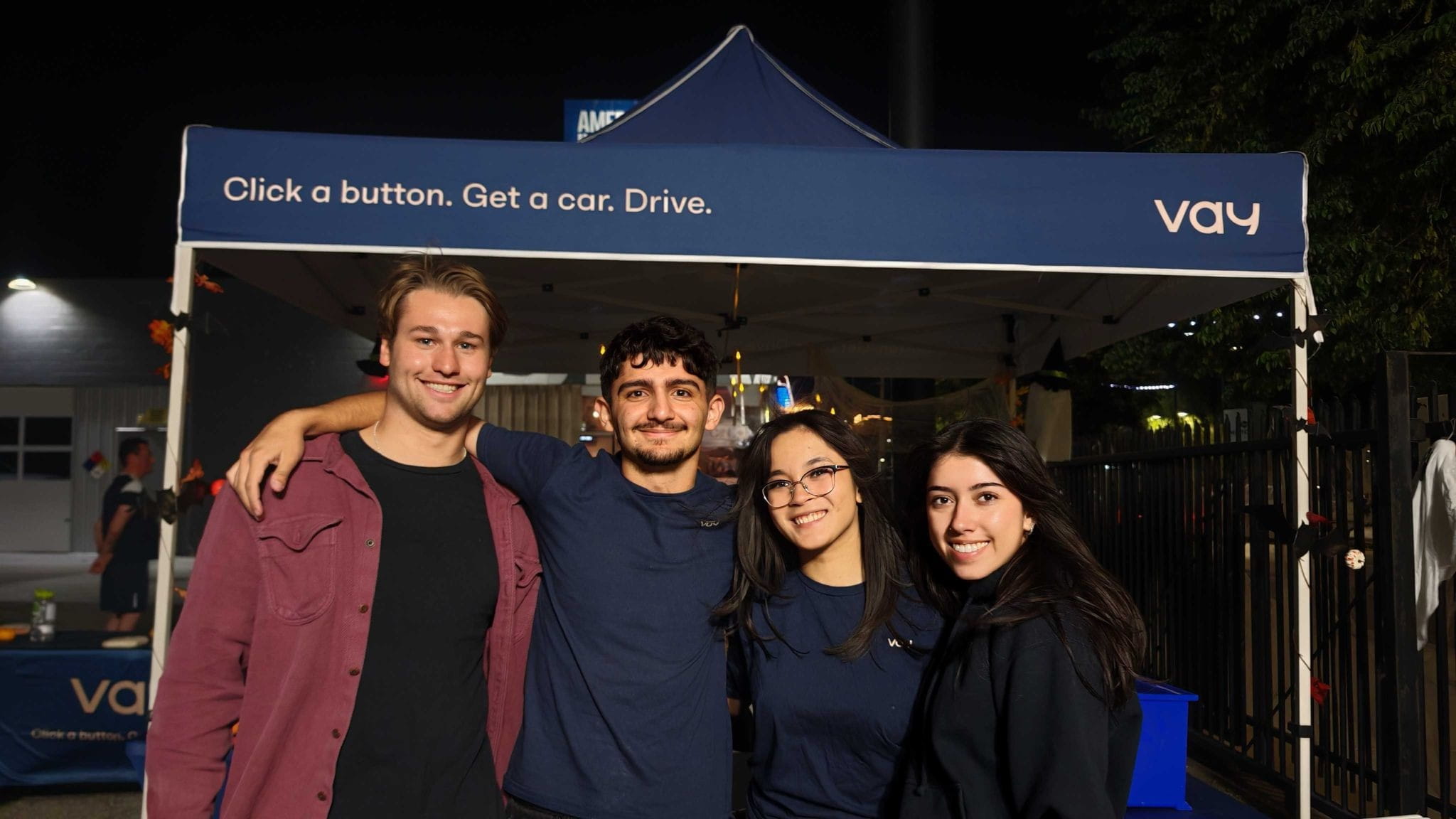
“CampusThreads has become the backbone of our ambassador operations. It gives us a structured way to recruit, coordinate, and help student ambassadors as we expand into new cities.”
“It turned what used to be a messy spreadsheet-driven process into a real system that we can depend on as a playbook we’re confident in scaling. The thought of doubling our ambassador workforce was not even possible before - now it’s just the next natural step. I love it as an ops manager, and my ambassadors love it since it gives them a dedicated hub for all their ambassador work.”

Brand ambassador software by industry
See how CampusThreads supports the field work, preparation, assets, and reporting common to your type of brand.
Beauty and personal care
Sampling, retail visits, product education, pop-ups, and community partnerships.
See the beauty workflow →Health, wellness, and supplements
Gyms, run clubs, wellness events, approved product guidance, and local sampling.
See the wellness workflow →Food and beverage
Store demos, festivals, hospitality partners, campus events, and street sampling.
See the food and beverage workflow →Apparel and footwear
Retail launches, pop-ups, fittings, campus street teams, and product assets.
See the apparel workflow →Consumer technology
Product demonstrations, gaming events, retail visits, devices, and lead capture.
See the technology workflow →Sports and outdoor
Races, clubs, tournaments, trail events, equipment, and changing field conditions.
See the sports workflow →Resources for brand ambassador teams
Use these guides to plan your program, manage work in the field, track results, and choose software.
Brand ambassador program guide
Work through recruiting, training, assignments, rewards, reporting, and the records your team will need.
Browse program resourcesAmbassador software comparisons
Review product scope, program fit, pricing questions, and the daily work each platform supports.
See software comparisonsStreet team management
Manage local rosters, shifts, briefs, field reports, rewards, and results by market.
Read the street team guideProduct sampling teams
Prepare staff, manage product assets, collect sampling recaps, and review expenses and outcomes.
Read the sampling guideBrand activation management
Plan pop-ups, retail visits, community events, and other local campaigns with clear field records.
Read the activation guideField marketing management software
Keep your roster, local assignments, submitted proof, costs, rewards, and attributed results connected.
Read the field marketing guideEvent ambassador scheduling
Collect availability, fill openings, prepare ambassadors, and review their event reports.
Read the scheduling guideAmbassador rewards and expenses
Keep points, redeemable items, pay records, receipts, approvals, and budgets beside the work.
Read the rewards guideSee your AI colleague at work
Open the simulated sandbox with brand data, or create a free workspace for your own ambassador program.
Questions about CampusThreads for brands
Here are the details teams usually need before opening a workspace.
How much does CampusThreads cost for brands?
The brand workspace is free for programs with up to 35 ambassadors and 1 GB of storage under fair-use limits. The AI colleague and ambassador sourcing are paid options. Programs above the included limits can contact CampusThreads.
What comes with the free workspace?
The free workspace includes shifts, tasks, training, resources, field reports, rewards, asset inventory, referrals, budgets, and reporting. Your team can run the daily program from the admin portal and ambassador app.
What does the AI colleague do?
The AI colleague answers questions and helps with work using the records available in the workspace. It can connect earlier activation results with ambassador availability, performance, activity, internal conversations, prospect data, rewards, expenses, and submitted evidence. Managers can ask follow-up questions without assembling that history first.
Can CampusThreads recruit ambassadors for us?
Yes. CampusThreads offers ambassador sourcing for selected cities, campuses, and activation plans. The recruiting brief and local scope determine the service price.
Can ambassadors use CampusThreads on a phone?
Yes. Ambassadors can use the mobile app or a browser to view shifts, complete tasks, read resources, finish training, submit field reports, join conversations, and follow rewards.
How does CampusThreads report field marketing ROI?
CampusThreads connects completed work with hours, costs, rewards, referrals, leads, submitted proof, and attributed outcomes. Managers can review results by ambassador, campaign, or location.